
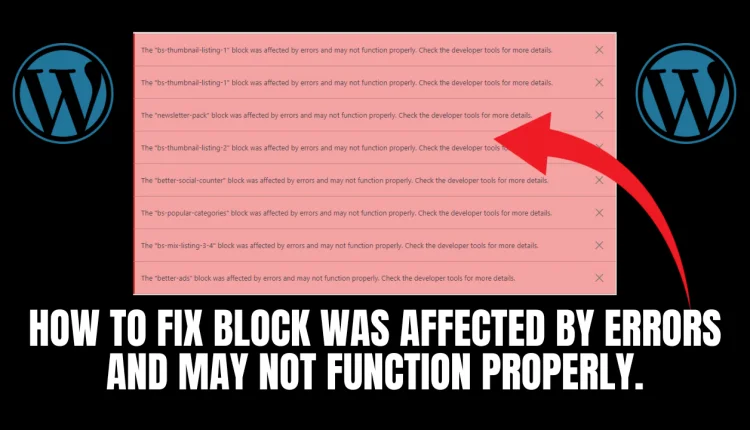

Steps 1 : Go to your plugins and add a new Plugin called Classic Widgets, after which you install the plugin and activate it.

Steps 2 : After Activating the Plugin Go Back to Your Widgets Selection

Video Tutorial
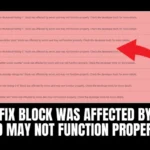
If your WordPress site is blocked because of errors, then this video is for you! In this tutorial, we’ll show you how to fix the block and restore your site to working order | wordpress widgets not showing up in dashboard. Sometimes errors in WordPress can cause your site to be blocked. In this video, we’ll show you how to fix the block and restore your site to working order. By following our simple steps, you’ll be back online and able to continue publishing content in no time!